
NORM Explorer / Documents
Your building documents,
always in context
Maintenance contracts, inspection reports, and technical documentation, automatically linked to the relevant building components and always accessible in context across your entire portfolio.
Highlights
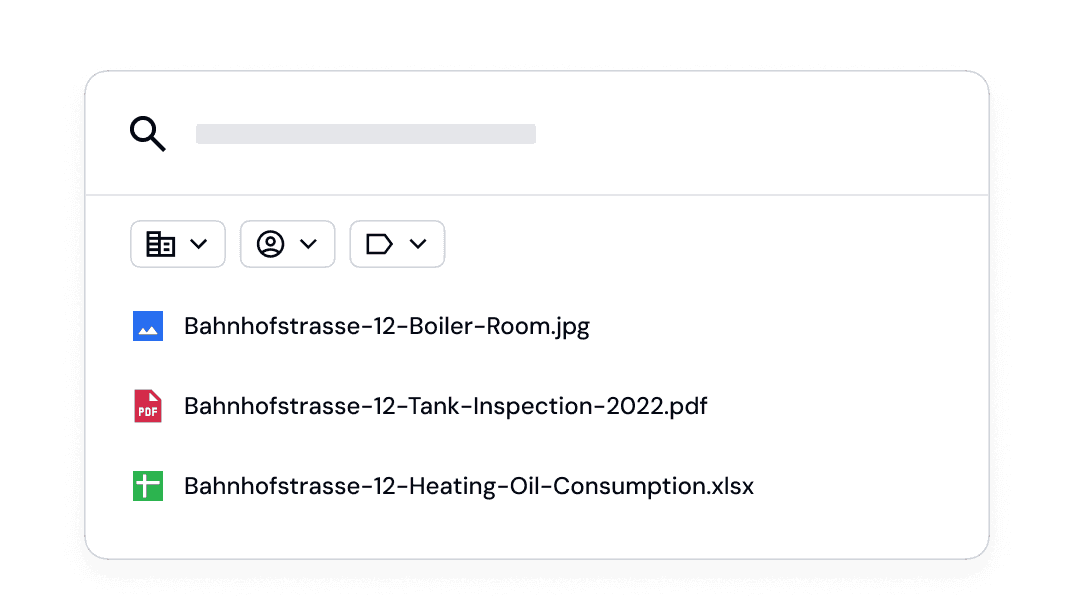
From the portfolio to individual properties
Search across all properties or focus on a single property. With a single click, you can switch between portfolio and property views without losing context. Filters and search results adjust automatically.
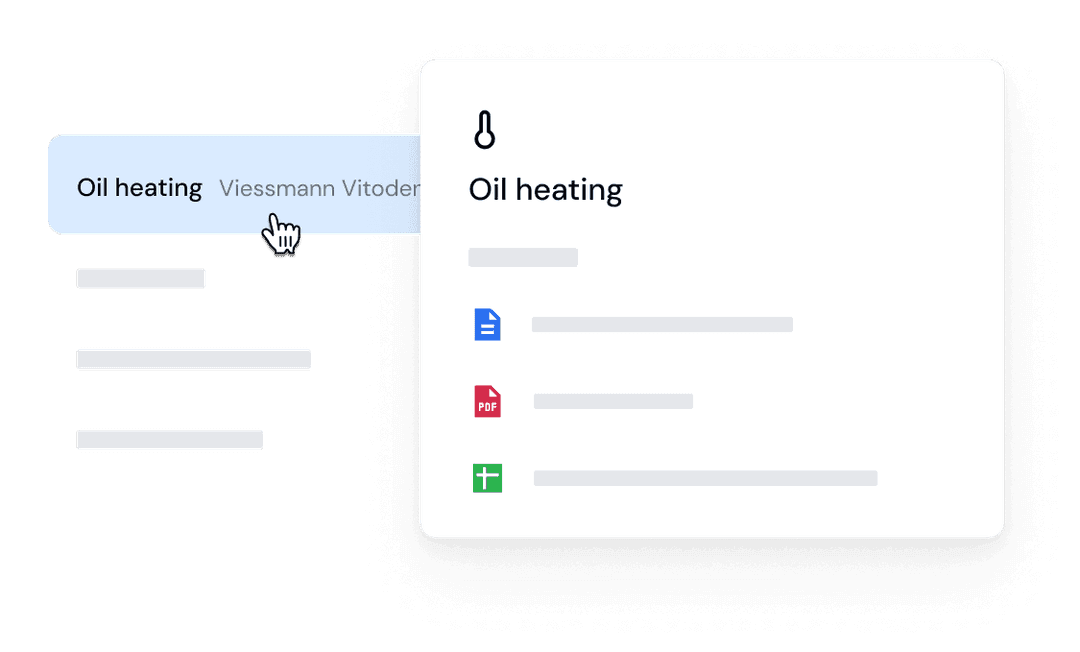
Seamless integration with building systems
Documents are automatically assigned to the relevant building components and systems. A maintenance contract for the heating system appears wherever the heating system is relevant: in the building component overview, in the condition assessment, and in the investment planning.
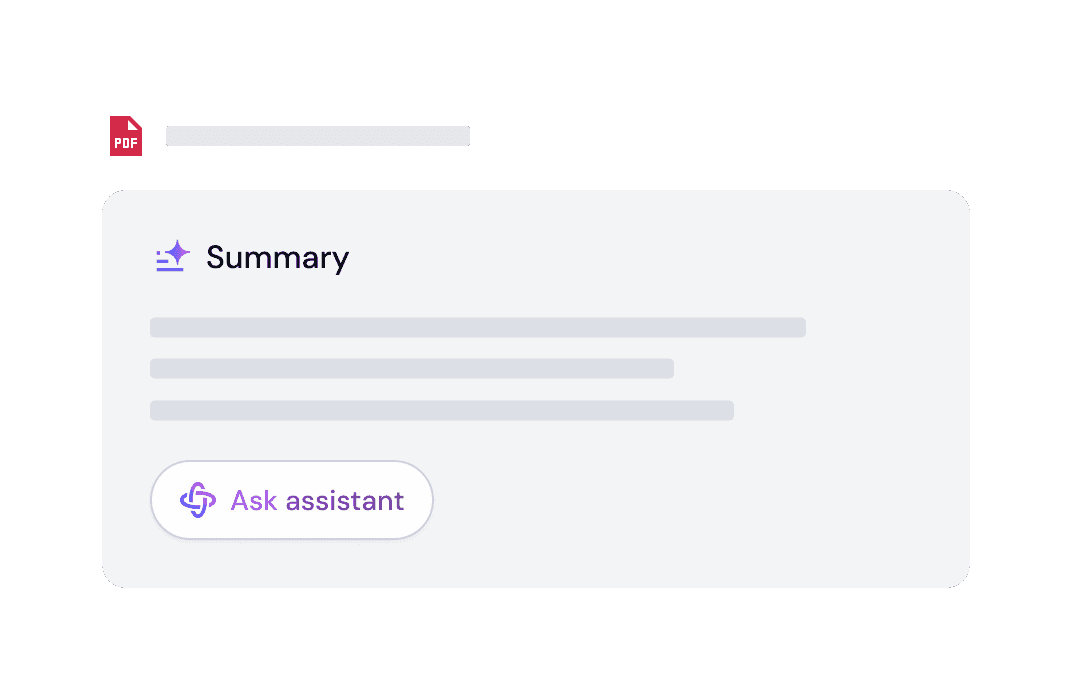
AI-powered information extraction
Relevant information is automatically extracted from documents and written directly into the property database. Equipment age, performance metrics, and inspection results are immediately available in structured form, without manual data entry. The system also detects outdated document versions and flags them automatically, so you always work with current information.
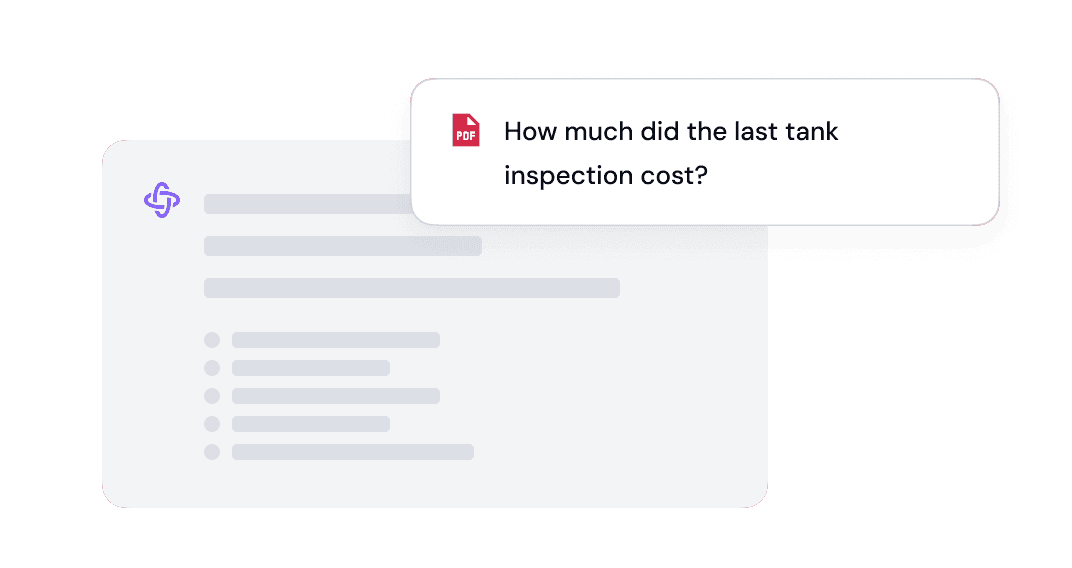
Ask questions across documents
Ask questions about specific documents or get instant summaries across multiple sources. The AI Assistant understands the context of your properties and links information across documents, comparing maintenance reports from different years or contrasting technical specifications from different providers.
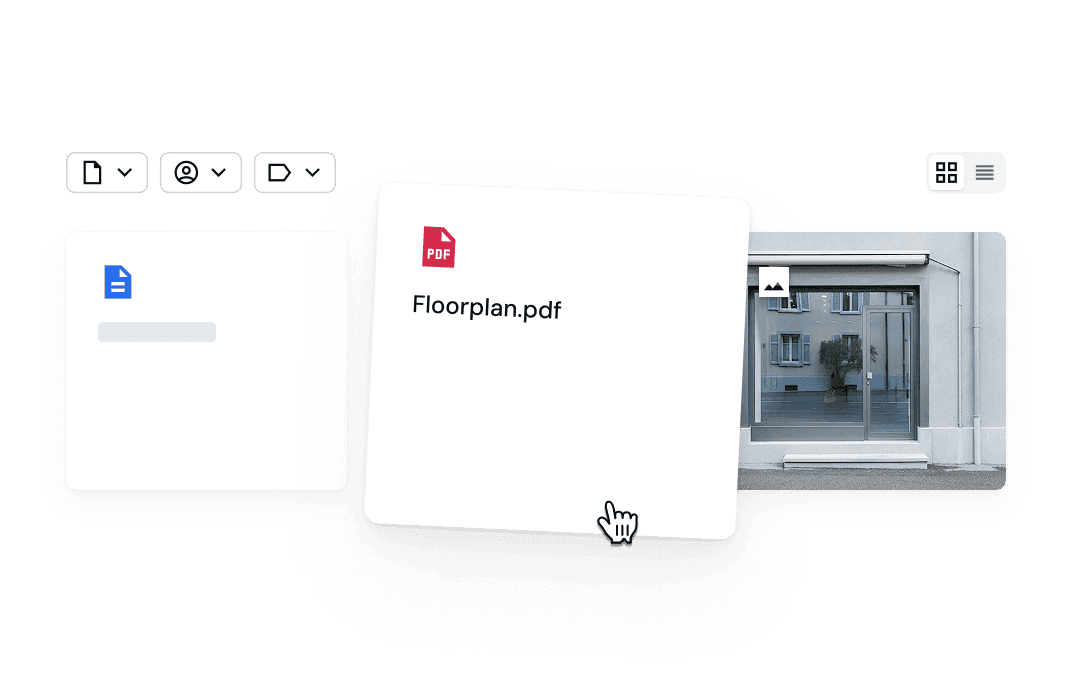
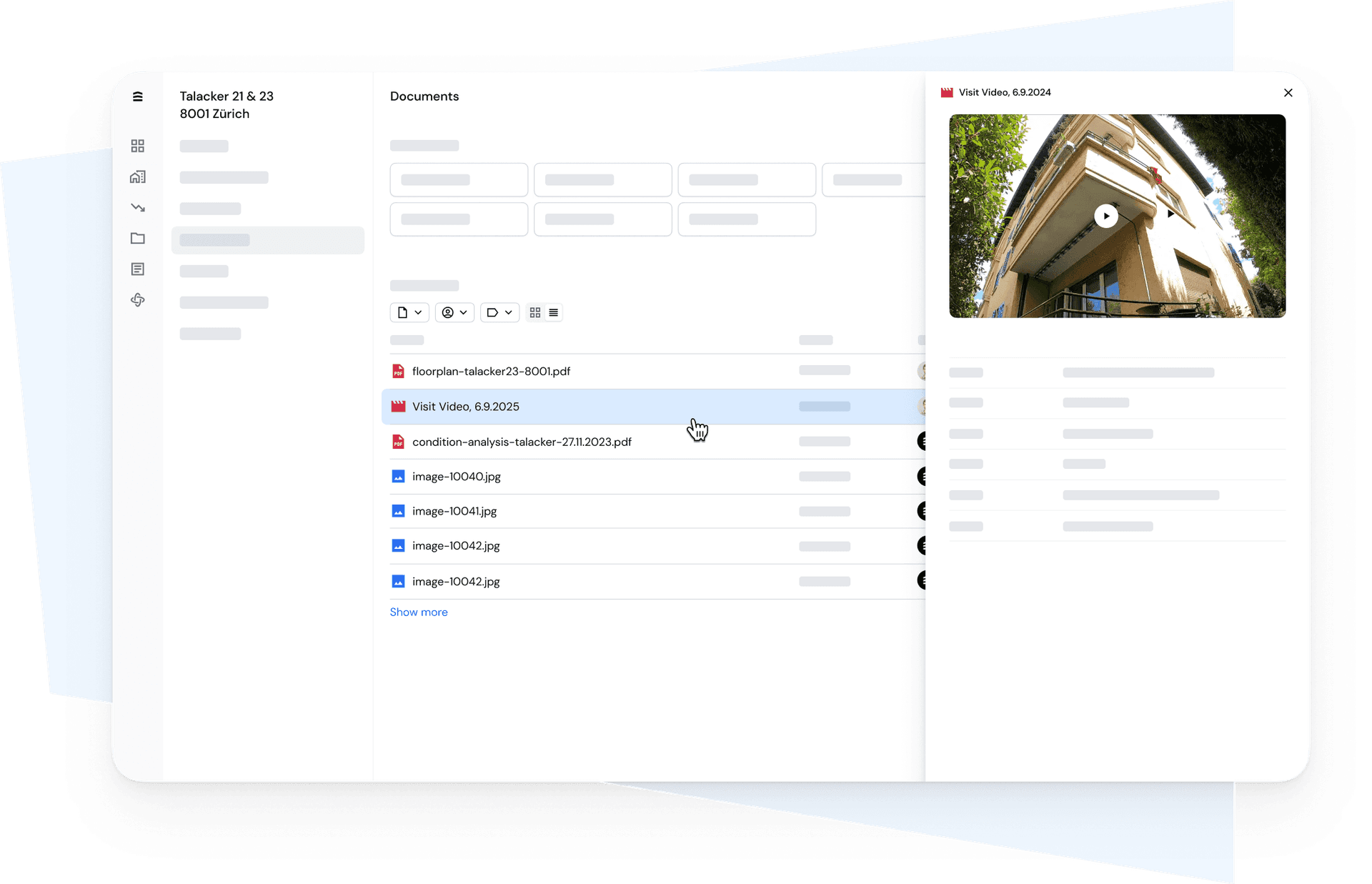
Visual browsing and flexible filtering
Switch between list view for structured workflows and gallery view for image-heavy document sets. Categorize documents using flexible tags and combine filters to get specific results, whether by construction phase, document type, or energy certificate.
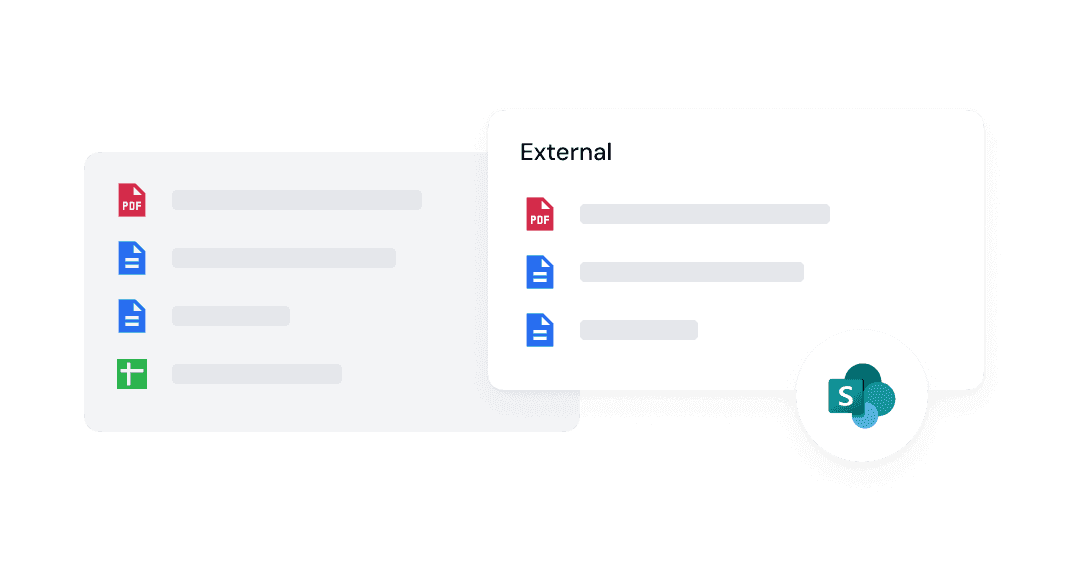
Service results and system integrations
Results from condition assessments, energy reports, and other NORM services are automatically integrated. Facility management providers can also easily upload documents to the system, making operational information from day-to-day operations immediately available. Existing systems such as SharePoint can also be integrated. All documents remain accessible in a central workspace, regardless of their source or location.
Use Cases
Portfolio-wide document search
Search all documents across all properties—centrally and in seconds. Find maintenance contracts, appraisals, or energy performance certificates without having to switch between folders, emails, and systems.
Everything related to one property, in one view
Focus on a single property and see all related documents at a glance, from the building permit to the latest facility management report, organized chronologically and by topic.
Context-based access from the system view
Jump directly from the component or facility view to the relevant documents. For example, check the condition of the windows and access the corresponding analysis results, quotes, or maintenance logs with a single click.
Evidence for reporting, audits, and transactions
Compile documentation for management reporting, ESG communications, or governing bodies. For transactions or audits, you can set up a structured data room with no preparation required. All documents are centrally accessible, up-to-date, and can be exported directly.
Additional Explorer Modules



Let’s talk
Learn how you can integrate our solutions into your process.


